

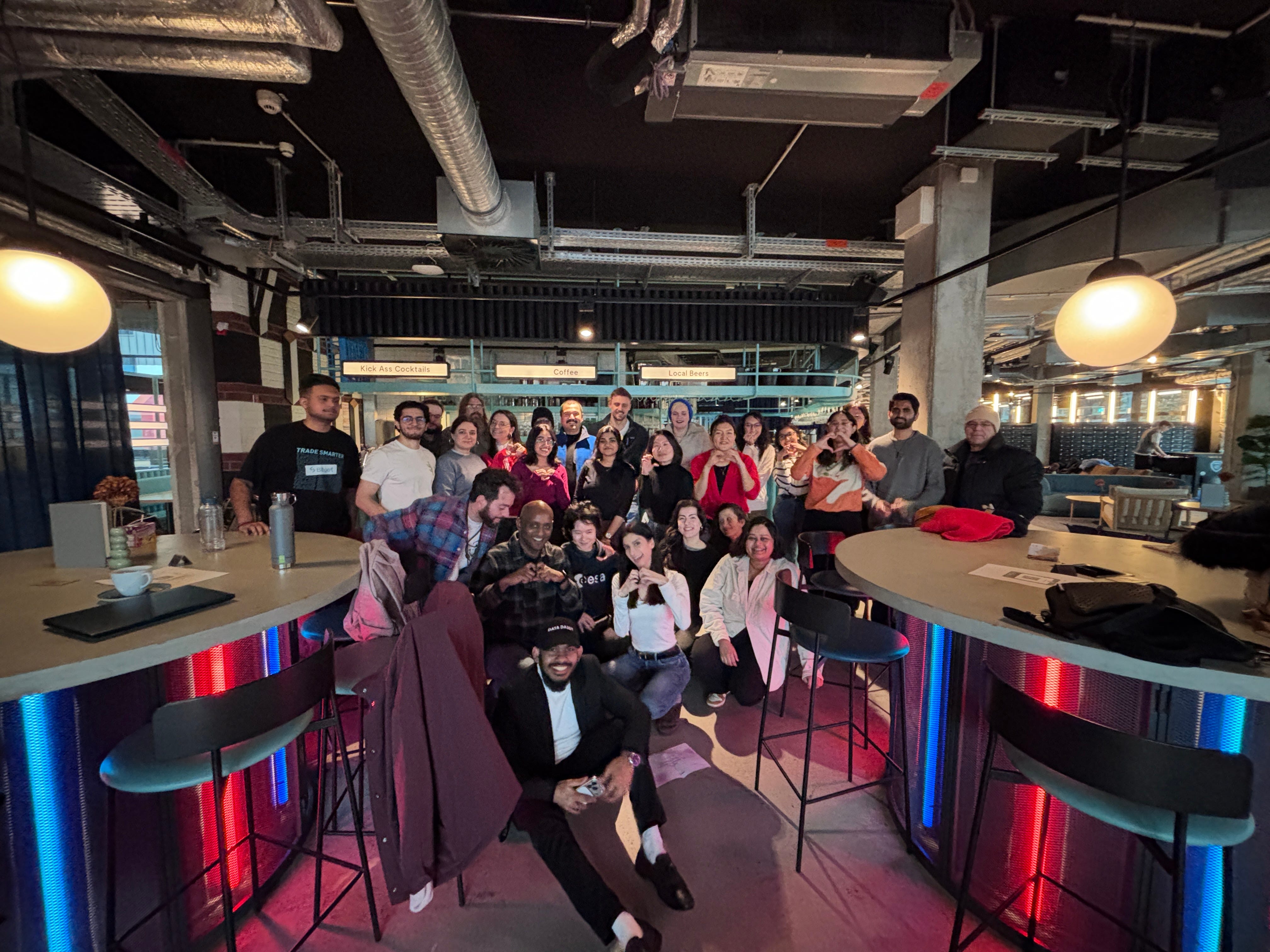
Last Saturday, 42 people showed up to my workshop in Berlin.
Most of the people who came had never opened Lovable before. Some had never built anything digital in their lives. A few told me they came because they were "curious about AI", which is the 2026 version of saying they didn't really know what they were getting into.
Two hours later, one team had built a working tool that scans your LinkedIn profile and returns personalised optimisation tips. Another team had prototyped a post-death documentation manager — a place to store your bank accounts, passwords, and important files so your family doesn’t have to piece your life together while grieving.
Functional. Live. Built in 30 minutes by people who had never touched the tool before.
I’ve been a product designer for 8 years. And I’ll be honest with you: watching that happen in real time made me stop and think.
The part that surprised me
I came in expecting the ideas to be the bottleneck.
They weren’t.
The ideas were remarkable! The after-death documentation tool wasn’t just technically sound — it was thoughtful, emotionally considered, and solving a real problem that most SaaS founders would have dismissed as “too niche.” It came from a non-designer in their first 30 minutes with a vibe coding tool.
The actual bottleneck was something different. Most groups hit a wall after the first two or three prompts. The initial “build me an app that does X” prompt worked almost every time — Lovable is genuinely good at that first leap. But then came the moment where they had to make a decision: what next?
And that’s where it got interesting.
What non-designers don’t know they don’t know
When a designer looks at an early prototype, they immediately see a list of things that are missing or wrong. Not because we’re critical by nature but because we’ve spent years internalising what makes an experience feel trustworthy, clear, and complete.
What happens when someone without that training looks at the same screen? They see a working thing. And a working thing feels finished.
Nobody in the room instinctively asked: where does the user go if this step fails? What does an empty state look like? Is it clear what this button actually does? Not because they weren’t smart but because those questions aren’t obvious until you’ve been burned by ignoring them a hundred times.
The LinkedIn optimisation tool worked. But the first version had no loading state, no error handling for a private profile, and no explanation of why a suggestion was being made. Just a list of tips with no context. Users would have trusted it less as a result, even if they couldn’t articulate why.
That gap between “it works” and “it works well” is entirely a design problem. And it’s invisible to people who haven’t been trained to see it.
What this means for you
There’s a version of this story that’s scary for designers: look how fast non-designers can build now. I’ve seen that take a lot lately.
I don’t think that’s the right read.
What I actually saw in that room is that the barrier to starting has collapsed. Anyone with a good idea and 30 minutes can now produce something real. That’s genuinely exciting and it means the world is about to be full of half-finished, technically functional products that feel confusing, untrustworthy, or just slightly off in ways users can’t name.
The ability to identify and fix exactly that is a designer’s skill. And it’s becoming more valuable, not less, because now there are exponentially more things that need it.
The question isn’t whether non-designers can build anymore. They clearly can. The question is who’s going to make sure what they build is actually good.
So, how to actually start vibe coding in Lovable as a designer
Here are the exact starter prompts I gave to help complete beginners get something on screen fast. Those are great if you are not technical ( and not a designer)
However, If I was teaching Product Designers how to vibe code with Lovable, this would be my recommendation.
Advanced prompts for vibe coding in Lovable as a Designer
Note: these prompts assume you have no design system yet in place and you need to build one first.
Step 1 Generate your PRD first
Before you open Lovable, go to Claude or ChatGPT or any other LLM really, and generate a Product Requirements Document. Define the user, the core jobs to be done, the key flows, and the edge cases. Paste this into Lovable’s Knowledge file before your first prompt. Every decision that follows will be grounded in it.
Act as a senior product manager. Help me write a concise PRD for the
following app idea: [describe your app].

Include:
- Problem statement (1 paragraph)
- Target user (1–2 sentences)
- Core user flows (max 3, written as "user can...")
- Edge cases and empty states to consider
- What success looks like

Keep it under one page. I will use this as a reference
throughout the build.
Step 2 Generate primitive tokens
Once you have the first version of your PRD (refine until you are happy with v1) you should move on to bringing your design system (if you have one) or just create a new design system so that your Lovable builds are on brand.
If you have none, I would start with the Primitive tokens:
Generate a primitive design token set for a [describe your app,
e.g. "B2B SaaS dashboard with a professional, trustworthy tone"].

Include:
- Color primitives: a neutral scale (50–900), a primary brand
  color scale (50–900), and a semantic set for success, warning,
  and error (light, default, dark)
- Typography scale: font size tokens from xs (12px) to 4xl (36px),
  with corresponding line heights
- Spacing scale: 4px base unit, tokens from space-1 (4px)
  to space-16 (64px)

Format as a JSON token file I can paste into Lovable's
Knowledge file.
Step 3 Map semantic tokens on top
Using the primitive tokens above, generate a semantic token layer.

Map the primitives to the following roles:
- Background: background-default, background-subtle,
  background-inverse
- Text: text-primary, text-secondary, text-disabled, text-inverse
- Border: border-default, border-strong, border-focus
- Actions: action-primary, action-primary-hover,
  action-destructive
- Status: status-success, status-warning, status-error

For each semantic token, reference the primitive token
it maps to (e.g. "text-primary": "{color-neutral-900}").
Output as a JSON token file.
Step 4 Wire your tokens into Lovable’s theming system
This is the step most designers miss. Lovable runs on Tailwind + shadcn/ui under the hood, which means it has its own theming layer baked in , CSS variables defined in globals.css in HSL format. If you just paste your token file into the Knowledge file, Lovable will read it but won't automatically apply it to shadcn components. You need one more prompt to wire everything in properly.
Update this project's globals.css to override the default
shadcn CSS variables with my design tokens.

Use HSL format. Map as follows:
- --background: [your background-default in HSL]
- --foreground: [your text-primary in HSL]
- --primary: [your action-primary in HSL]
- --primary-foreground: [text on primary buttons in HSL]
- --muted: [your background-subtle in HSL]
- --muted-foreground: [your text-secondary in HSL]
- --border: [your border-default in HSL]
- --destructive: [your status-error in HSL]

Apply to both :root (light mode) and .dark (dark mode)
if applicable. Do not change any component structure —
only update the CSS variables.
Once this runs, every shadcn component in your project — buttons, inputs, cards, dialogs — will use your tokens automatically. No chasing individual components.
Step 5 Feed everything into Lovable, then build
Open Lovable. Create a new project. Before your first feature prompt, paste your PRD, primitive tokens, and semantic tokens into the Knowledge file. Then add this setup prompt:
I have added a PRD and a design token system to the Knowledge file.
Before building anything:
1. Read the PRD and confirm you understand the core user flows
2. Confirm the CSS variables have been applied in globals.css
3. Use only semantic token names in all components
   (e.g. var(--text-primary), not raw hex values)

Confirm when ready, then wait for my first feature prompt.
The output looks different. Not because you used better tools, but because the AI is building inside a system.
P.S:
I run beginner-friendly AI tools workshops in Berlin. If you want to join the next one and get the full prompt library, follow me on LinkedIn :)